Feature

Reusable Email Modules

Stop rebuilding the same headers and footers. Save any section as a module, drag it into any email, and use linked modules to edit once and update everywhere — so every send stays on-brand and comes together in minutes.
Start building for free
Save any section as a reusable block
Drag modules into any email or page
Linked modules update everywhere
Start from a ready-made library
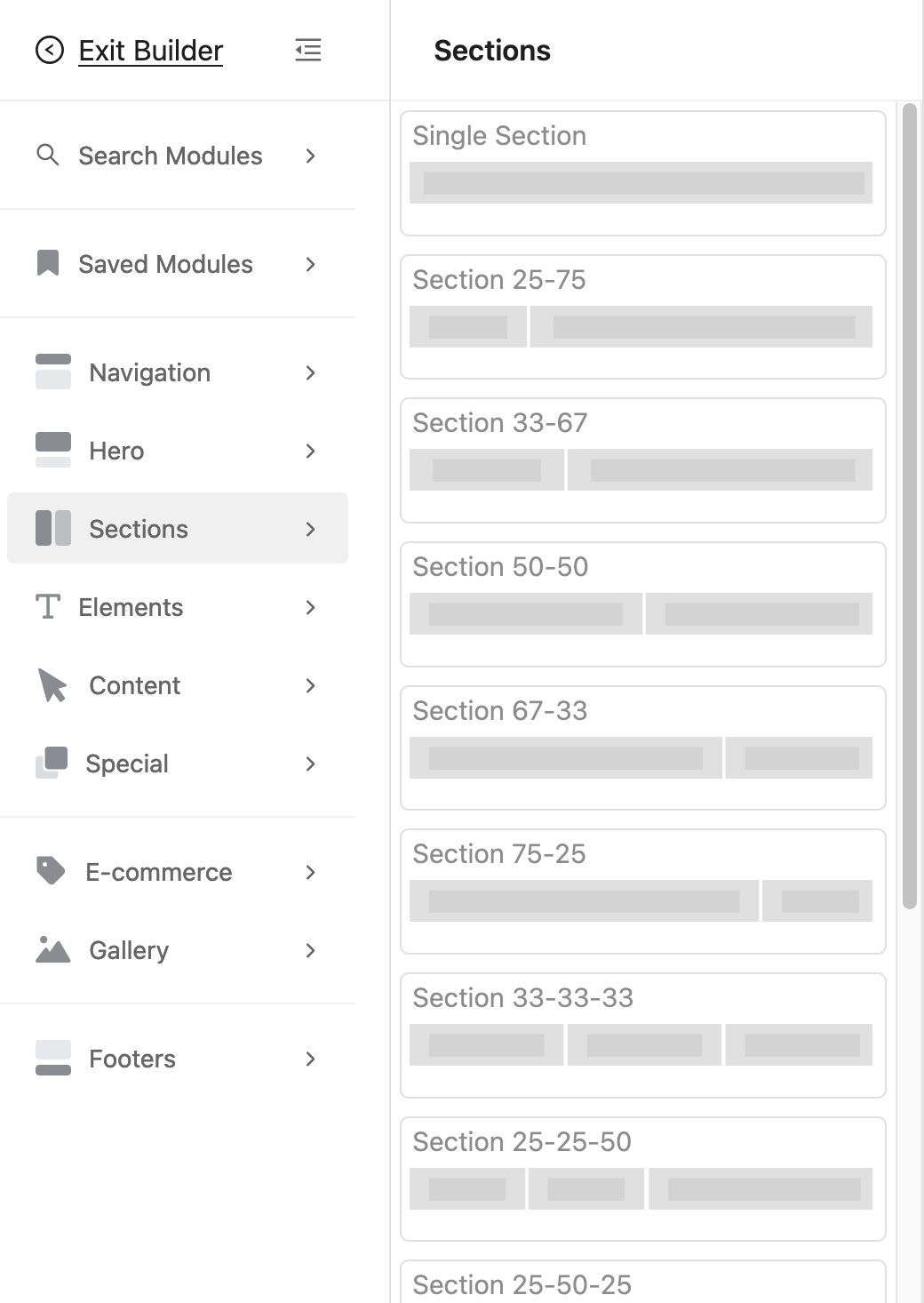
Dragging reusable modules into an email in EmailBuilder.ai

Why build with modules

Save any section as a module

Turn any header, footer, hero, or CTA you build into a reusable module in one click — then drop it into your next email instead of rebuilding it.

Drag and drop into any email

Modules live in a panel beside the editor. Drag a full-width section between rows, or a smaller block inside a column — the layout snaps into place.

Linked modules: edit once, update everywhere

Insert a module as a linked reference and every email that uses it stays in sync. Change your footer or address once and it updates across all of them.

Organized with categories & tags

Group modules by Navigation, Hero, Sections, Content and Footers, and tag them so the right block is always a search away as your library grows.

Start from a ready-made library

Begin with a library of professionally built starter modules. Save them to your account as-is, or fork one to make it your own.

Clean MJML, every client

Modules are MJML under the hood, so everything you assemble exports to bulletproof, responsive HTML that renders in Gmail, Outlook and Apple Mail.
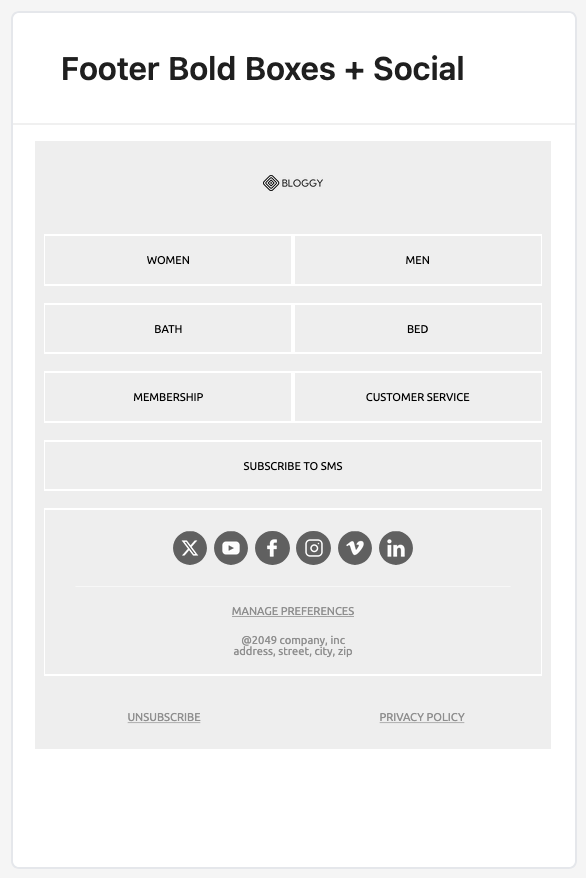
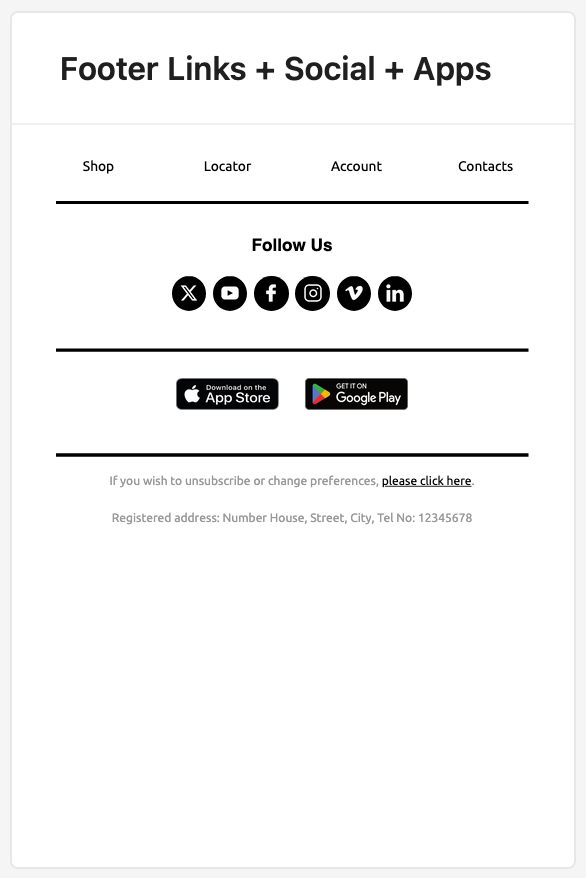
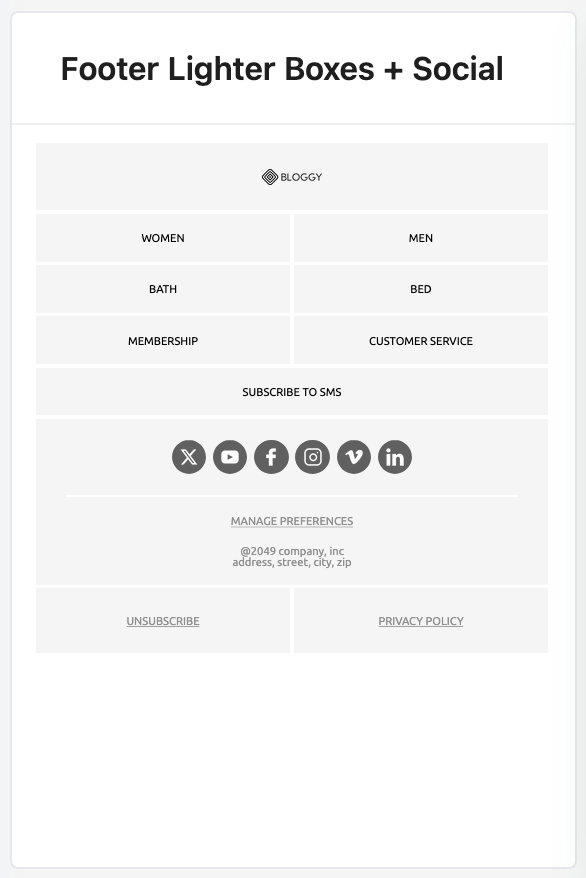
A head start on your library

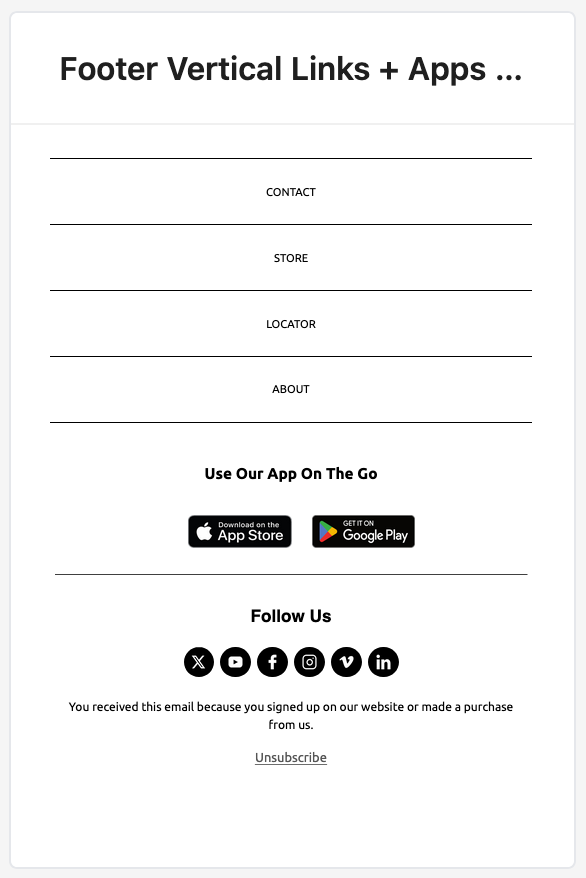
Every account starts with ready-made modules like these footers — save them as-is or fork one and make it your own.
Bold boxes footer email module
Bold boxes footer
Vertical links footer email module
Vertical links footer
Social links footer email module
Social links footer
Light boxes footer email module
Light boxes footer

Frequently asked questions

What is an email module?

A module is a reusable building block of an email — a header, footer, hero section, call-to-action, or product grid — that you save once and drag into any email instead of rebuilding it each time.

How are modules different from templates?

A template is a full email; a module is one reusable piece of it. You assemble emails faster by combining modules, and keep a consistent brand across every send.

What are linked modules?

A linked module is inserted as a reference rather than a copy. When you edit the master module — say, your footer or mailing address — every email that uses it updates automatically.

Do modules work with MJML?

Yes. Modules are MJML under the hood, so anything you build stays fully editable in code and exports to clean, responsive HTML that works across email clients.

Are there ready-made modules to start from?

Yes — EmailBuilder.ai ships with a library of professionally designed starter modules. Save them to your account to use as-is, or fork one and customize it to your brand.

Build your module library for free

Sign up and save your first reusable module in minutes — then reuse it across every email you send.Start building for free